
Art
How to photograph a painting with your phone
11/10/2026
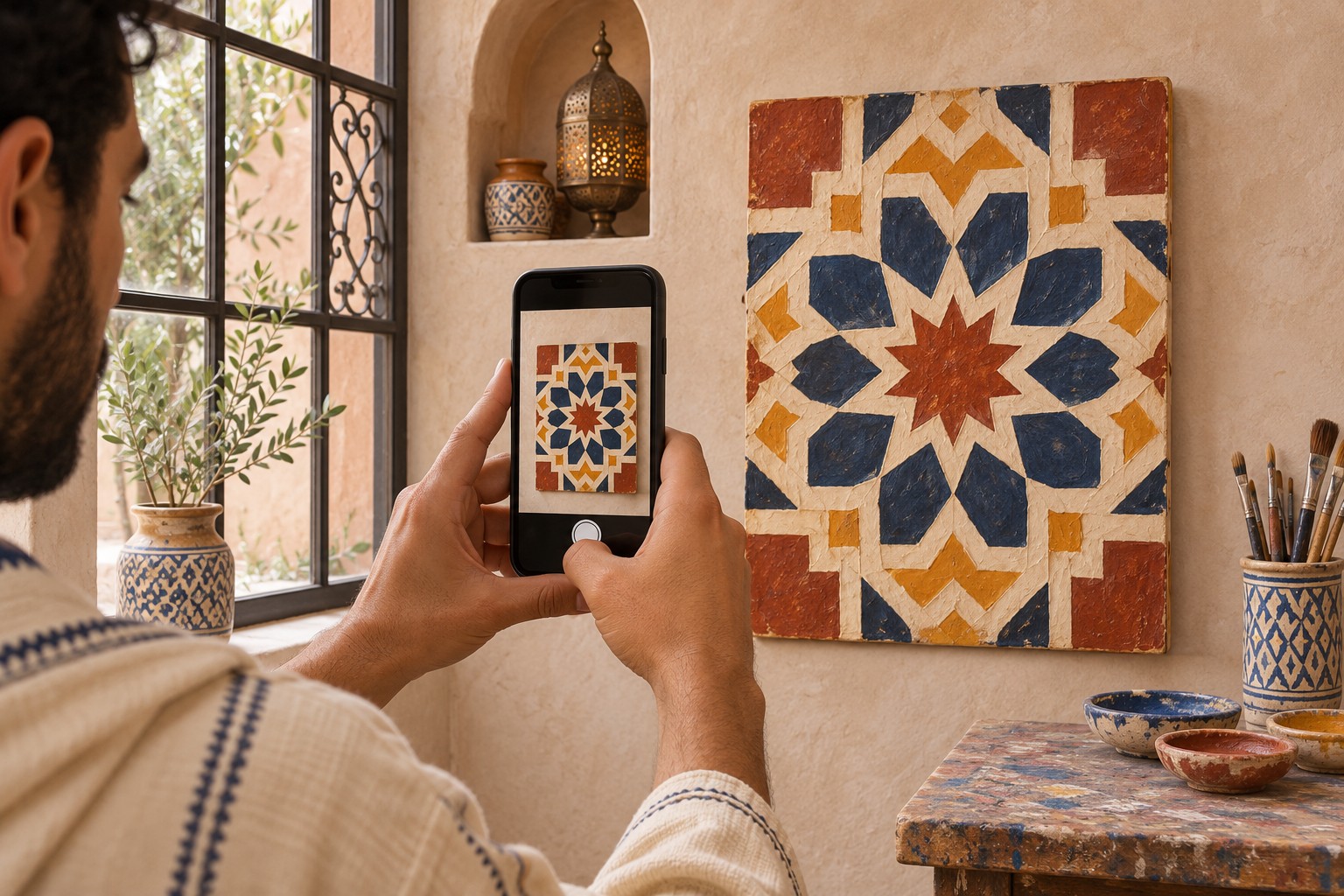
Set up the light, align your phone and choose three views that help people discover your work online.
A hurried photo can hide a brushstroke’s texture or give a white area a yellow cast. When you’re showing a painting in a portfolio or on MyLawha, take a few minutes to set up the shot. A phone, a window and room to step back may be all you need.
1. Find soft light
Place the painting near a window, out of direct sunlight. Turn off room lights if they give one side of the painting a different tint. Take a test shot and check the screen. If a reflection hides a dark or varnished area, move the painting relative to the window until you can see that area clearly again.
2. Face the painting squarely
Set the painting upright on a stable support. Hold the lens at the height of the painting’s centre and keep the phone parallel to its surface. Use the camera grid to check that the edges follow the lines on the screen. Leave a little space around the work so you can crop without losing a corner.
3. Take three views for the listing
Start with a straight-on shot of the entire composition. Move closer for a detail that shows something distinctive, such as overlapping layers or the texture of the surface. Finally, take a wider shot of the work in the studio or on a wall. Include the dimensions in the listing to help buyers judge its size.
4. Review the images before posting
Compare the main photograph with the painting in the same light. If you adjust the exposure, make small changes and check that you can still see the nuances in light and dark areas. Use the straight-on shot as the main image and let the detail and room views complete the listing.